Whether you are a professional web designer or a content creator passionate about visual work, a stable, easy-to-use, and dependable image-editing tool is essential.
The good news is that a wide range of free online image editors is now available. They require no installation or high-performance device and can handle everything from basic retouching to relatively complex design work.
This article reviews the strongest free online image-editing tools currently available, helping you identify the best solution for different scenarios.
Key Points at a Glance
-
Several mature free online image editors are available, covering everything from basic photo editing to operations approaching professional-software capabilities
-
Most tools have user-friendly interfaces and are easy for nonprofessionals to learn.
-
Some products provide collaboration features or template systems suitable for content production and team use.
-
Free plans are generally sufficient for everyday work, while advanced capabilities can be purchased when needed.
1. Canva: Create High-Quality Image Edits Easily
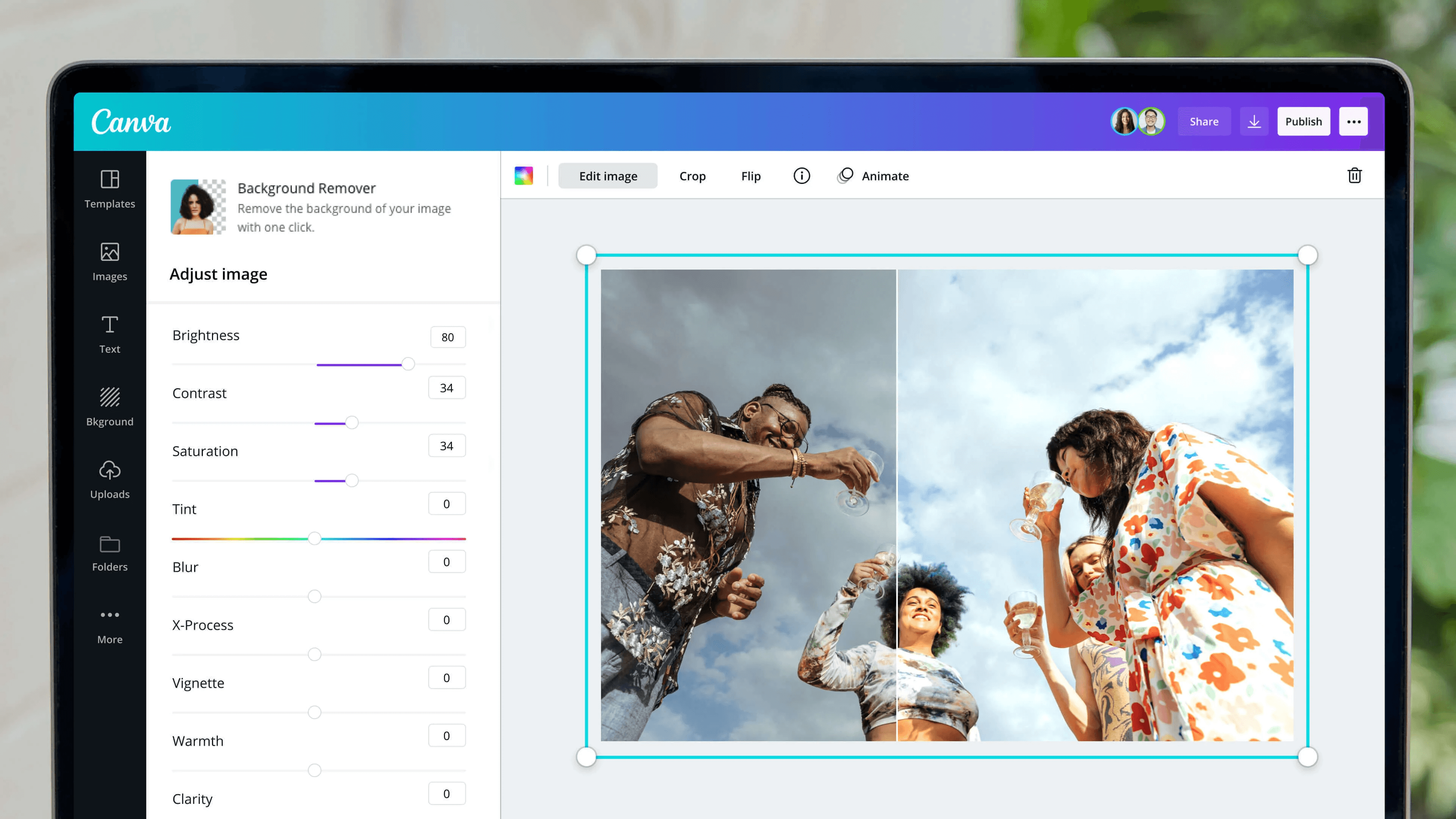
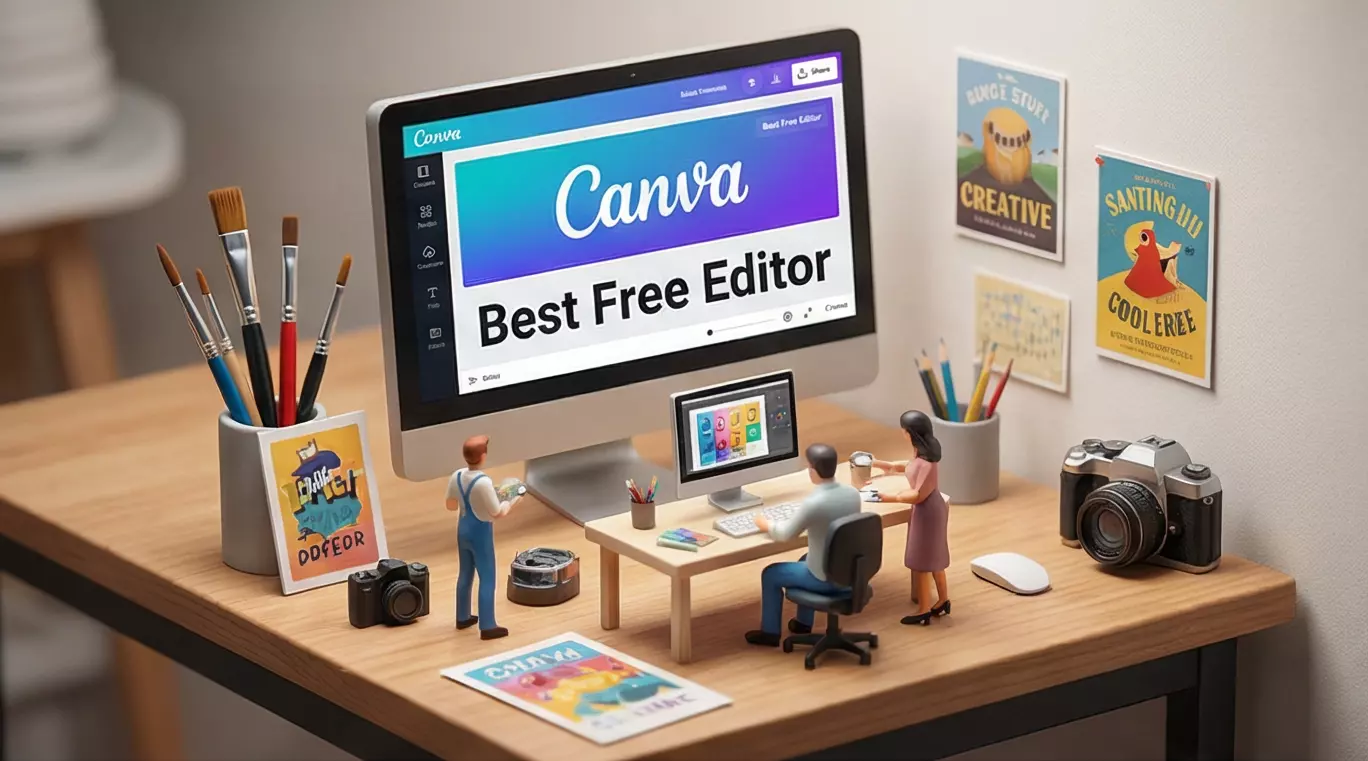
Canva is one of the most popular online design platforms, and its image-editing features are particularly beginner-friendly.
Main features include:
-
Basic adjustments such as brightness, contrast, and saturation
-
A wide selection of filters, cropping tools, and layout templates
-
Fast creation of social-media graphics, cover images, and promotional visuals
-
Export support for JPEG, PNG, SVG, GIF, and other formats
The free version covers most common needs, while the paid plan provides a larger asset library and collaboration tools.
Best for: Content creators, marketers, and users without a design background
2. Pixlr: Fast Editing Without Registration
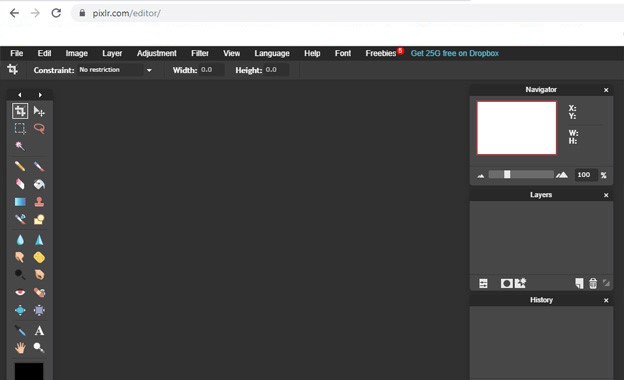
If you want to start editing immediately without registering or signing in, Pixlr is a highly efficient choice.
Core capabilities include:
-
Image cropping and resizing
-
Color replacement, blur, and depth-of-field effects
-
Simple and intuitive controls
-
Immediate browser-based use for quick tasks
Best for: Users who need temporary retouching or fast image adjustments
3. Fotor: Excellent Results with Simple Controls
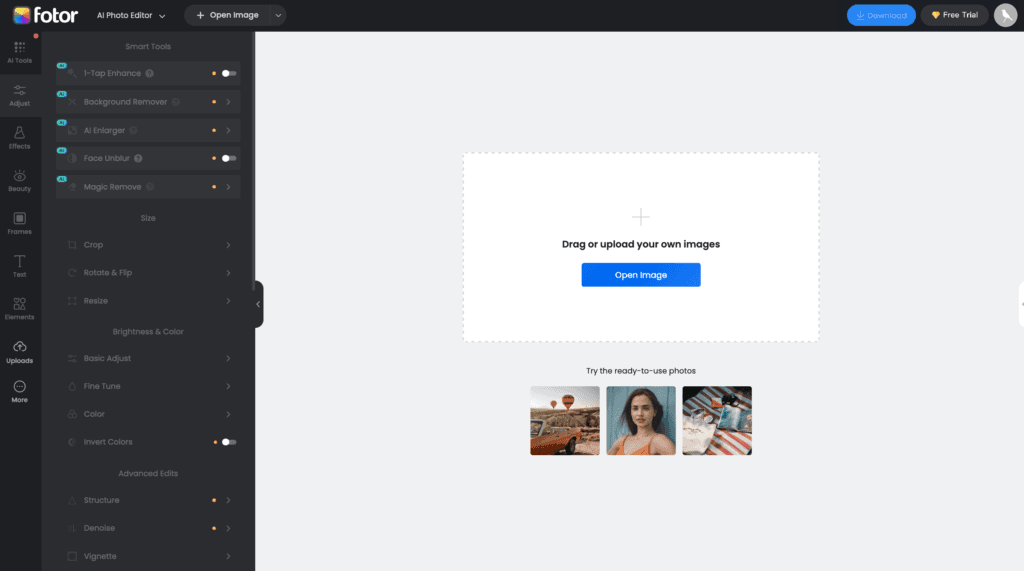
Fotor emphasizes a low learning curve and results-oriented editing. While keeping the workflow simple, it provides a comprehensive range of color and effect controls.
Highlights include:
-
Precise adjustment of exposure, highlights, shadows, and contrast
-
Batch editing
-
Multiple stylistic filters and effects
-
Fast photo enhancement
Best for: Photography enthusiasts and independent content creators
4. PicsArt: A Comprehensive Photo and Video Editor
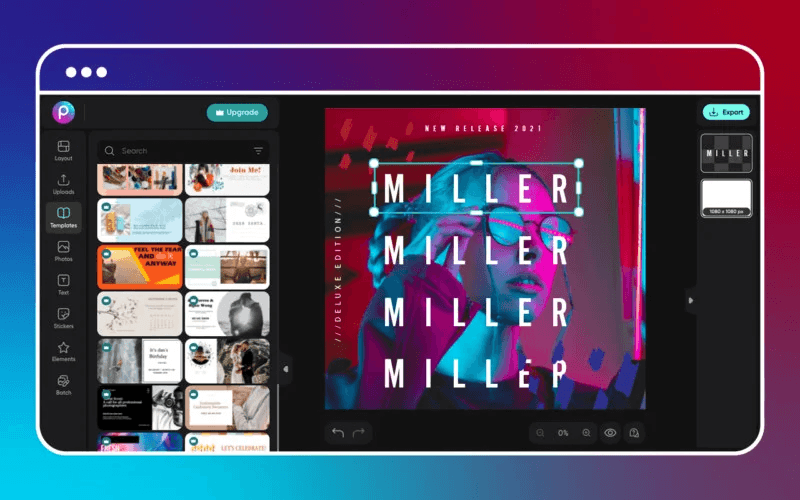
PicsArt supports both image editing and basic video processing, providing a relatively complete creative toolkit.
Main features:
-
Image blending and HDR effects
-
Brushes, erasing, and layer editing
-
A wide range of artistic filters
-
A workflow oriented toward creative expression
An account is required, but the overall learning curve remains manageable.
Best for: Stylized and creatively expressive content
5. BeFunky: Balancing Features with Creative Freedom
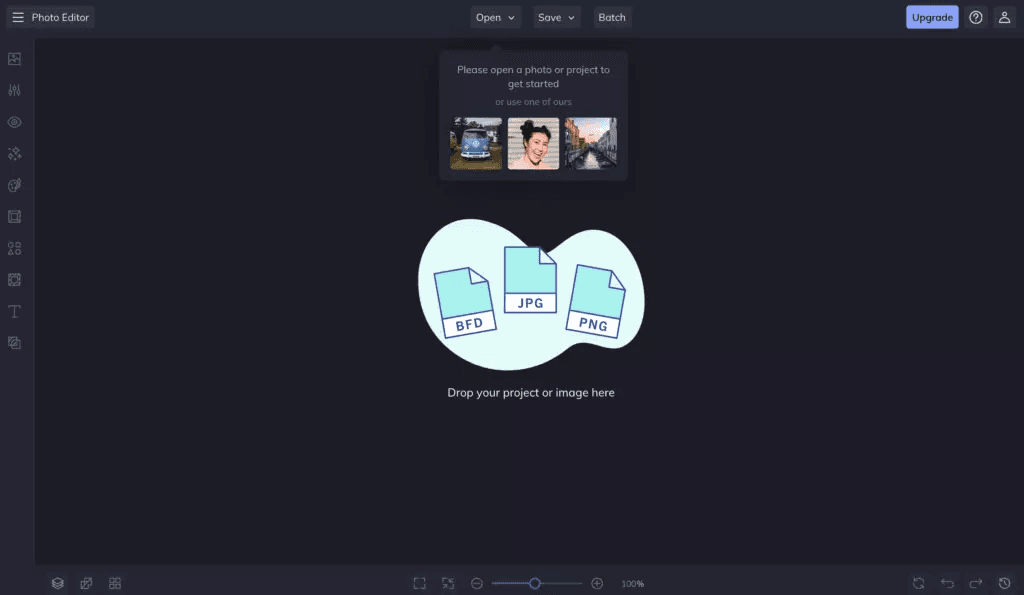
BeFunky provides a broad set of editing tools for users who want to complete multiple tasks on one platform.
Capabilities include:
-
Exposure adjustment and localized repair
-
Edge blur and overlay effects
-
Frames and decorative elements
-
Strong support for JPG and PNG
Best for: Users who care about image quality but do not want complicated software
6. Photopea: A Free Option Close to Professional Software
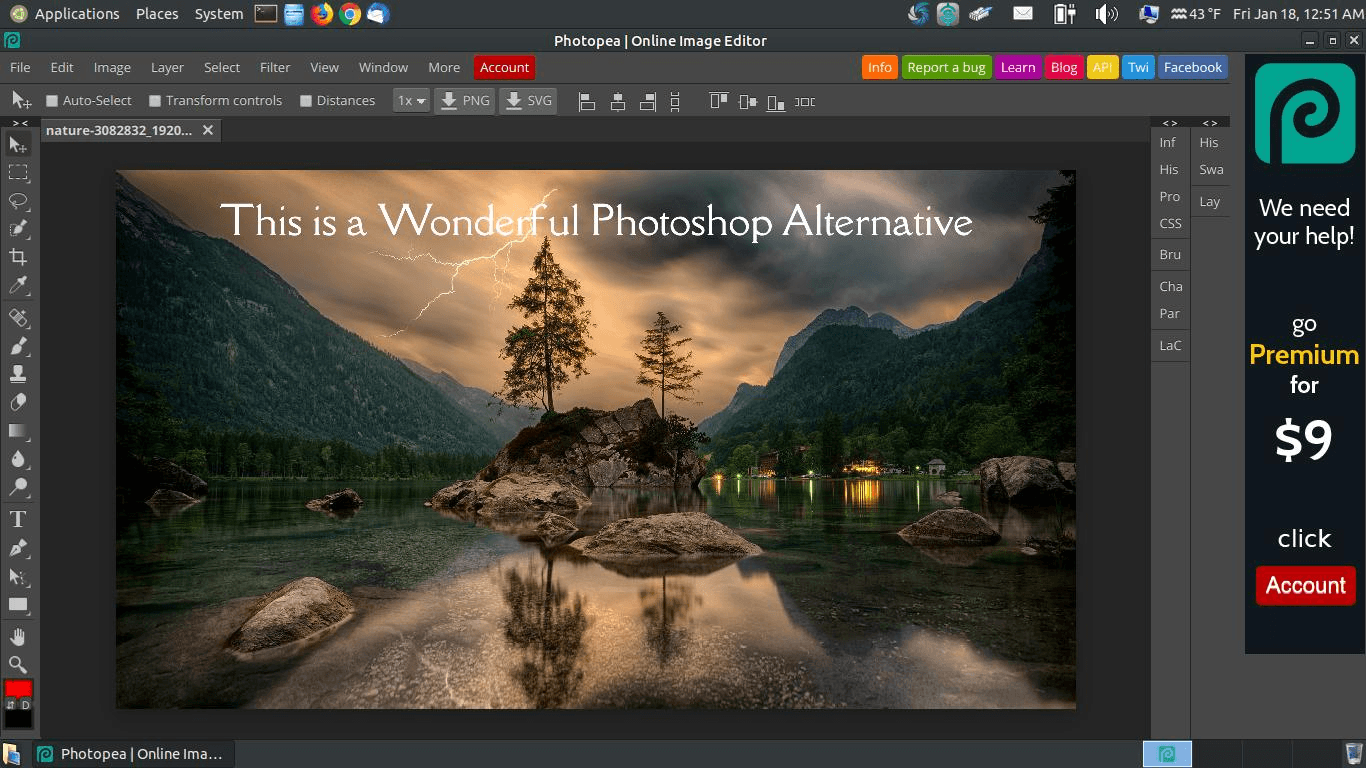
Photopea is one of the few tools that can reasonably be described as an online alternative to Photoshop.
Key advantages:
-
Support for professional file formats such as PSD, AI, and Sketch
-
Full preservation of layers, masks, and selections
-
Advanced color controls such as Levels and Curves
-
Runs directly in a browser
Best for: Designers, UI and visual professionals, and users familiar with professional software
7. MockoFUN: Design and Collaboration in One Tool
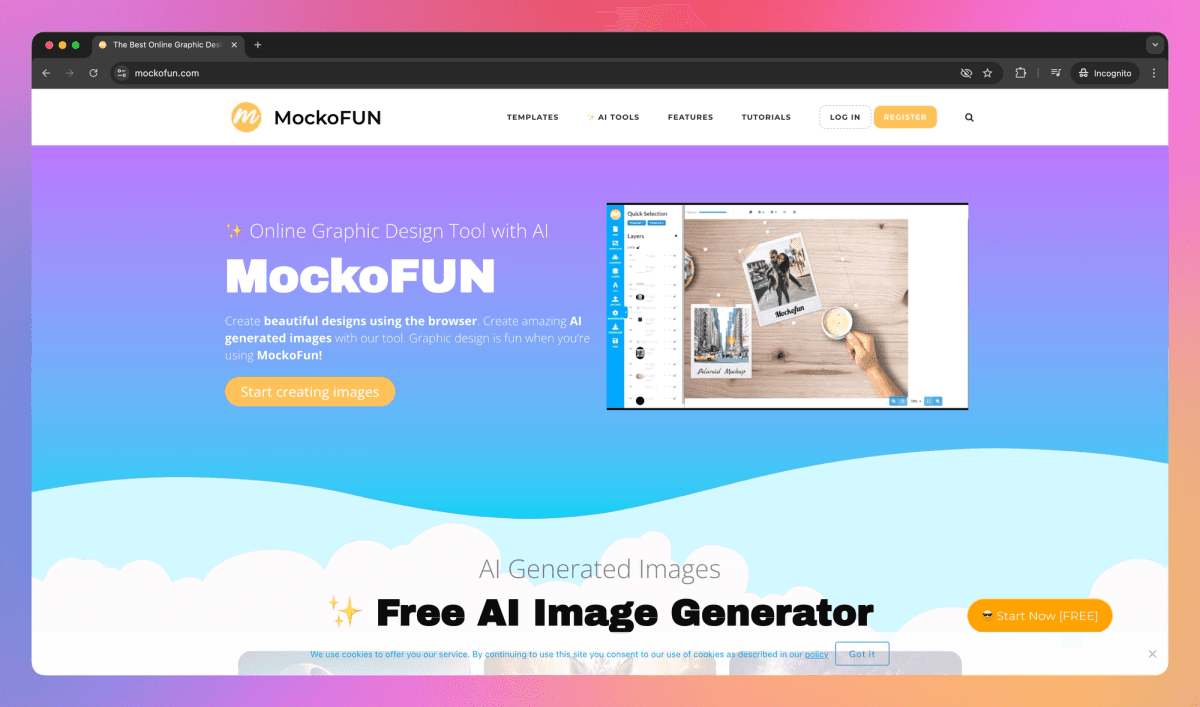
MockoFUN is more than an image editor; it functions as a lightweight design platform.
Suitable uses include:
-
Social-media graphics
-
Infographics
-
Presentation visuals and simple layouts
-
Team collaboration
Best for: Small teams that need to produce design content quickly
8. VistaCreate: An Alternative to Canva
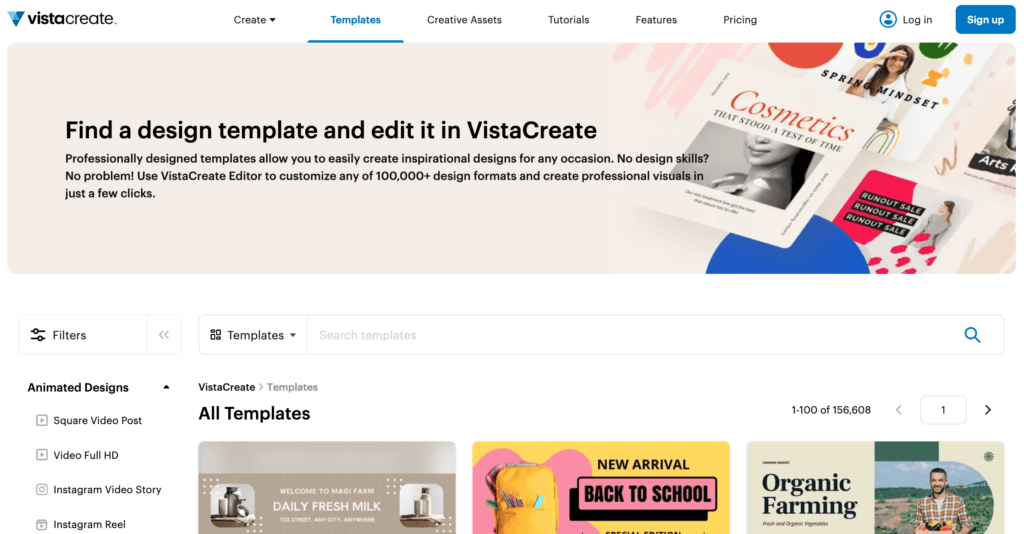
VistaCreate offers an experience similar to Canva, with particular strengths in animation and templates.
Features include:
-
Image transparency and color adjustment
-
Preset dimensions for social platforms
-
Support for animated visual content
Best for: Users focused on social-media visual design
9. Stencil: Image Editing with an Extremely Simple Workflow
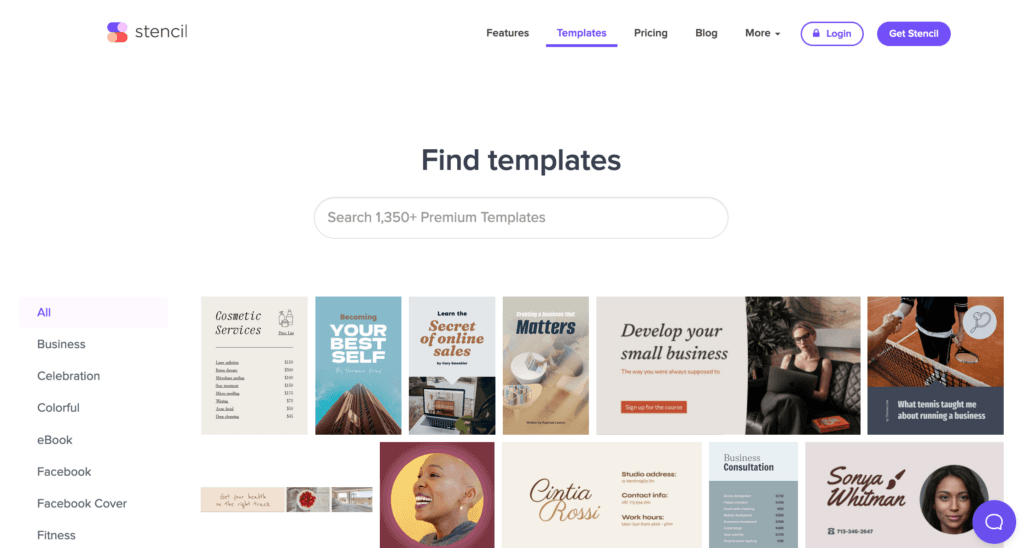
Stencil emphasizes speed and is well suited to scenarios that do not require complex editing.
Features:
-
Filters, flipping, and text tools
-
Built-in templates
-
A very short workflow
The free plan has quantity limits, but it is sufficient for light everyday use.
10. Edit.photo: Strong Detailed-Adjustment Capabilities
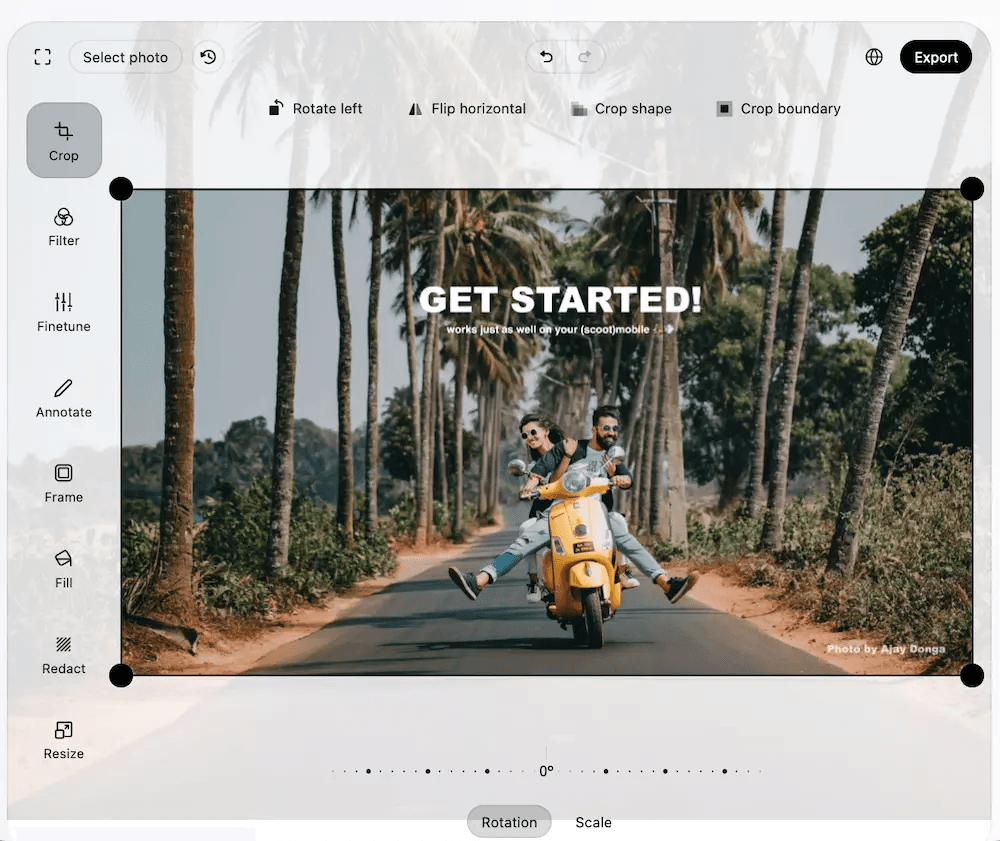
Edit.photo provides a set of tools focused on precision retouching:
-
Fine adjustment of clarity, color temperature, and exposure
-
Localized blur
-
No registration required
Best for: Users who need close control over image details
Conclusion: How to Choose the Right Online Image Editor
Different tools emphasize different strengths:
-
Beginners and content operations: Canva and VistaCreate
-
Fast processing: Pixlr and Stencil
-
Photo retouching: Fotor and BeFunky
-
Professional design: Photopea
-
Creative expression: PicsArt and MockoFUN
Free online image editors can now cover the great majority of everyday and semi-professional requirements. The most important question is not which tool has the most features, but whether it matches your use case and working pace.