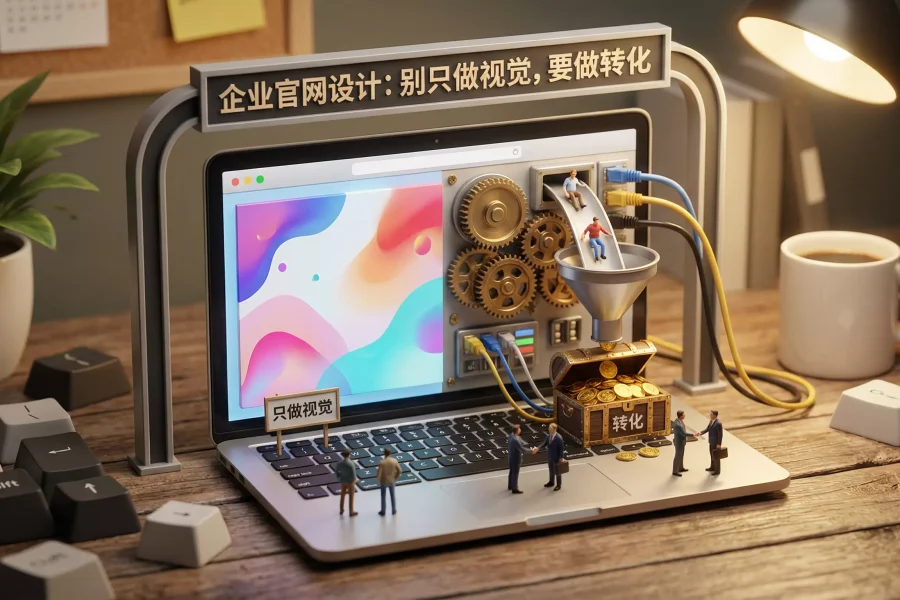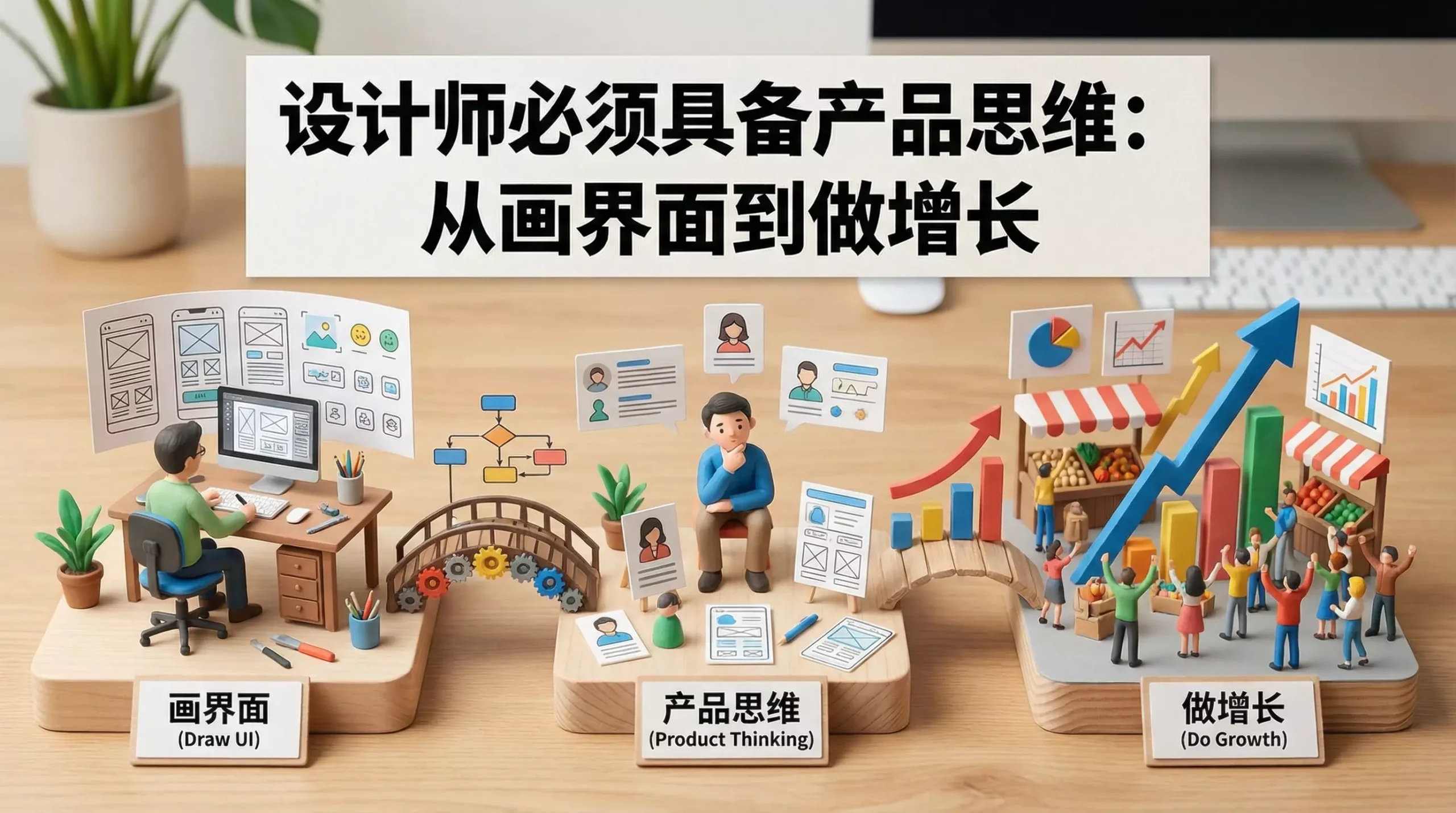
Many designers remain trapped in the same cycle after years of work: receive requirements, create designs, revise them, and repeat. The interfaces are delivered, but product metrics do not change, conversion does not improve, and user complaints remain. This is not necessarily a design-skill problem. It is often a lack of product thinking: the designer does not treat design as a means of influencing business outcomes, but only as a way to beautify interfaces.
I. What Is Product Thinking?
Use business objectives to drive design decisions. Product thinking does not require a designer to become a product manager. It means keeping three coordinates in mind whenever you design: What is the objective? Who is the user? What strategy will achieve the objective? The interface is not the goal; it is a tool for reaching the goal. Every button, instruction, and animation must answer the same questions: Does it reduce the user’s effort? Does it increase completion? Does it move the product closer to its KPI?
II. Replace Guesswork with “Objective–Hypothesis–Experiment–Iteration.” The basic workflow of product thinking follows OODA:
Observe → Hypothesize → Experiment → Learn. Designers can apply this process in four steps: 1) Set a clear objective, such as increasing registration completion by 5%, retention by 2%, or checkout conversion by 3%. 2) Form a testable hypothesis, such as reducing required fields, selecting the most common option by default, adding error guidance, or reorganizing steps into clearer groups. 3) Run a limited experiment: prioritize A/B testing and quantitative comparison instead of redesigning the entire interface at once. 4) Review and iterate: retention, bounce rate, error rate, and completion rate are forms of “feedback,” not absolute truth, and must be interpreted within the scenario. Once you work this way, design discussions shift from “Does it look good?” to “Which solution improves the metric more effectively?”
III. The User Perspective:
Study the task before studying aesthetics. A common designer mistake is to choose a visual style before understanding the user’s task. The effective sequence is: user task → information structure → interaction flow → visual expression. Users do not come to a product to admire the design; they come to complete a task. Focus on:
-
What the user looks for first
-
What the critical path is
-
Where the user is most likely to become stuck
-
What the user does after becoming stuck—leave, contact support, or click repeatedly. Once these questions are understood, the visual style emerges naturally because the design is organized around the task.
IV. The Growth Perspective:
Design must also take responsibility for the funnel. Growth is not solely the responsibility of operations and product teams. Design plays a decisive role at every stage:
-
Acquisition: What promise do you make to the user through the value proposition and visual recognition?
-
Activation: Does the first screen show users how to begin through the CTA, guidance, and empty states?
-
Retention: Does the product become easier to use each time the user returns through familiar paths and consistency?
-
Referral: Does the experience make users want to share through achievements, shareable moments, and psychological rewards? Ultimately, many design systems exist to prevent each design change from disrupting familiar user paths and to reduce the cost of relearning. That is itself a form of retention design.
V. Treat State Design as Part of Product Quality. Product thinking reveals that:
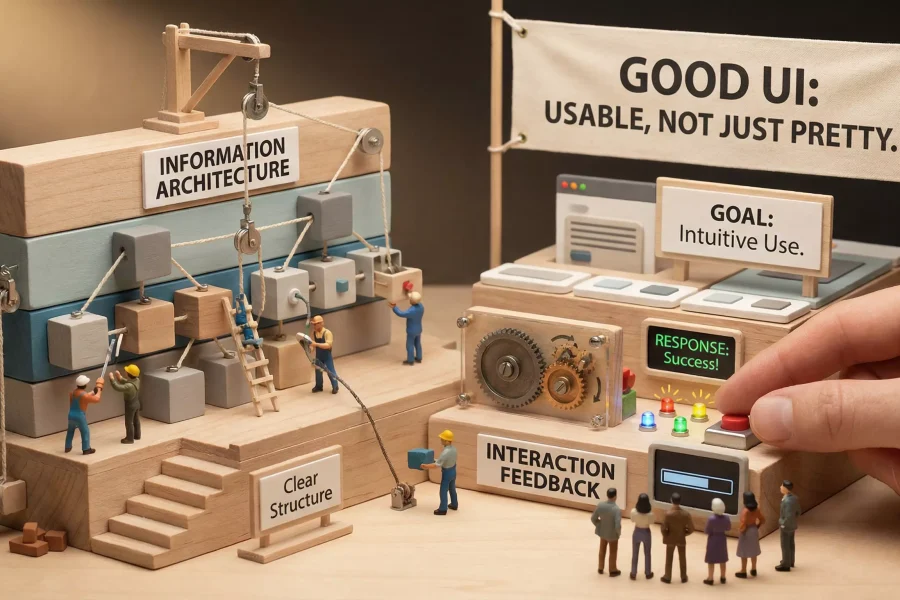
Users encounter more than the primary state during a journey. They also see loading states, empty states, error states, permission restrictions, processing states, and success feedback. If you do not design these states, they appear as default browser messages, blank screens, or confusing redirects that destroy the product’s quality. Excellent designers treat state design as part of experience delivery, making the system feel reliable, considerate, and predictable.
VI. Cross-Functional Collaboration:
Align objectives through a shared language. With product thinking, you become more willing to discuss strategy with product managers, implementation cost with developers, and conversion funnels with operations teams. You transform design files into an “implementable solution” rather than an “inspiration image.” This is critical: a team trusts you not because you draw well, but because you can connect design to outcomes and enable others to implement it.
VII. How to Improve Yourself:
Habits you can begin immediately. 1) Write a problem statement for every requirement: What difficulty is the user facing, and how do they currently solve it? 2) Create an information hierarchy for every page: What is the primary information, what is secondary, and what is noise? 3) Conduct a review after every project: What improved? Why did something fail to improve? What will you do differently next time? Treat these habits as your personal “design operating system,” and within six months you will see a noticeable change in your professional value.
Conclusion. Product thinking does not make design boring; it gives design leverage. Every interface you create becomes more than a visual artifact. It becomes a force capable of moving metrics, influencing user behavior, and changing business outcomes.