After a decade dominated by flat mobile design and three years of AI tools gradually entering the workflow, UI design in 2026 is approaching a paradigm-level revolution: static visual composition is giving way to dynamically generated rules; two-dimensional screen interaction is expanding into immersive spatial experiences; and functional satisfaction is evolving into emotional empathy across the entire journey. Artificial intelligence is no longer an auxiliary tool, but the core of the experience. Spatial depth and materiality are returning to break the constraints of flatness, while inclusive, sustainable, and emotional design are moving from optional enhancements to core competitive advantages. This article examines ten major UI design trends for 2026 and connects technical implementation, visual style, and user experience to provide designers and product teams with forward-looking guidance and practical direction.
1. AI-Native UI: From Supporting Tool to Experience Core, With Generative Design Becoming Standard
In 2026, AI moves completely beyond design tools and becomes the product’s “invisible brain”, while generative UI (GenUI) replaces conventional static templates as the mainstream development model.
-
Real-Time Adaptive Interfaces: AI dynamically generates layouts, content, and interactions based on user behavior, context, and device. A news app may provide concise summaries in the morning and long-form analysis in the evening, while an e-commerce homepage can reorganize product modules according to browsing preferences and increase conversion by more than 30%.
-
AI Design-System Automation: From Figma plugins to on-device rendering, AI can generate brand-compliant components, motion, and complete pages with a single command. Designers can focus on strategy and experience while improving efficiency by as much as 80%.
-
Intelligent Interaction Prediction: Interfaces analyze user habits to preload content and anticipate the next action. Examples include logical autocomplete in input fields, intelligent form validation, and simplified payment journeys that create a “zero-wait” experience.
-
AI-Assisted Experience Optimization: AI interprets heat maps and clickstreams in real time, then automatically improves button placement and information hierarchy. This replaces intuition-only decisions with data-driven optimization of every UI detail.
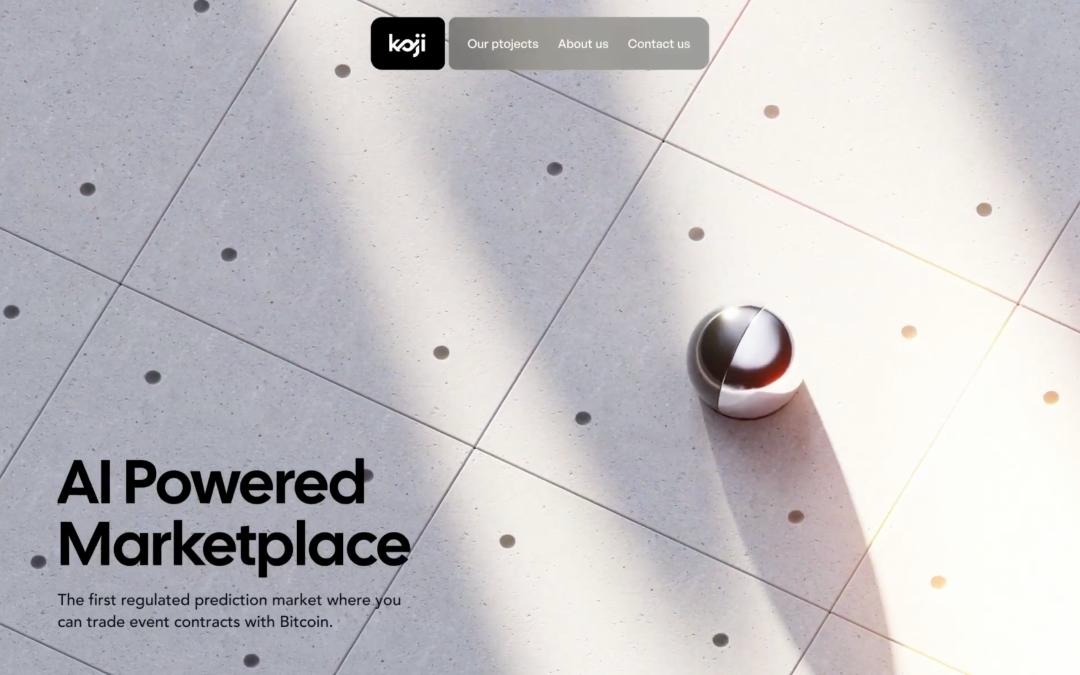
2. Spatial UI: Moving Beyond Two Dimensions as 3D Micro-Materiality and Immersive Interaction Become Mainstream
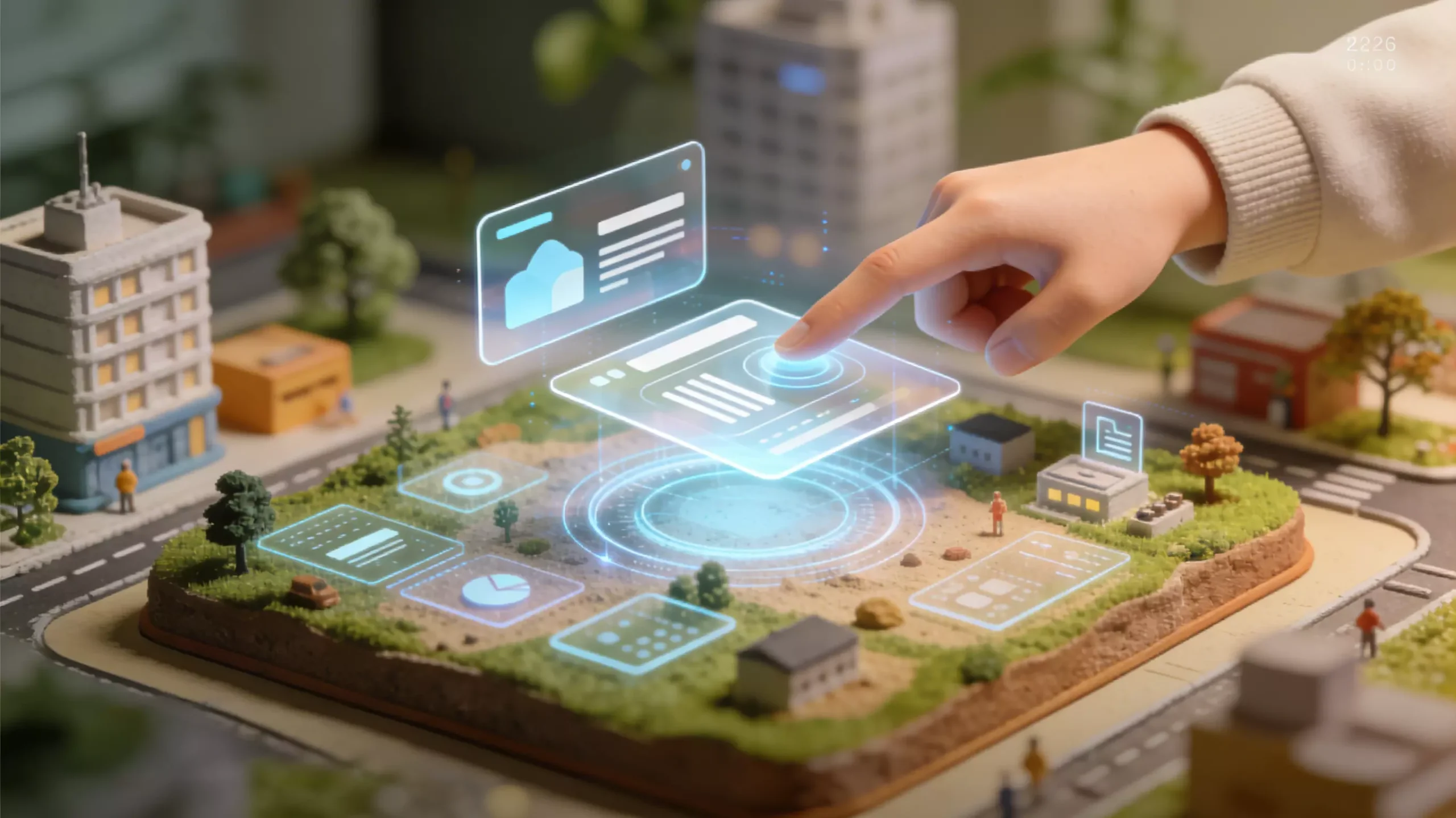
Flat design is evolving completely, and UI in 2026 fully embraces spatial depth, dimensionality, and authentic material qualities, shifting from purely flat surfaces toward 2.5D and 3D environments with stronger visual hierarchy and a more physical sense of touch.
-
Liquid Glass Aesthetics: Frosted translucency, flowing edges, and subtle color refraction—combined with soft shadows and blurred backgrounds—become common styles for cards, floating layers, and modal windows. Premium apps and financial products use this language to communicate refinement and understated luxury.
-
3D Micro-Materiality and Layered Design: Instead of exaggerated modeling, designers use delicate dimensional details, diffused shadows, and Z-axis stacking to make buttons feel touchable and cards clearly layered. Interfaces begin to feel like spaces rather than sheets of thin paper.
-
Spatial Scrolling Narratives: Scrolling is no longer simple movement, but the mechanism controlling content rhythm. Parallax, sectional animation, and 3D deconstruction guide users through immersive long-form pages and can increase retention by 40%.
Practical XR Spatial Interfaces: AR and VR move beyond the conceptual stage. Home, retail, and education apps enable users to inspect products in 360 degrees, place furniture virtually, and overlay operating guidance, making spatial UI a new benchmark for interaction.
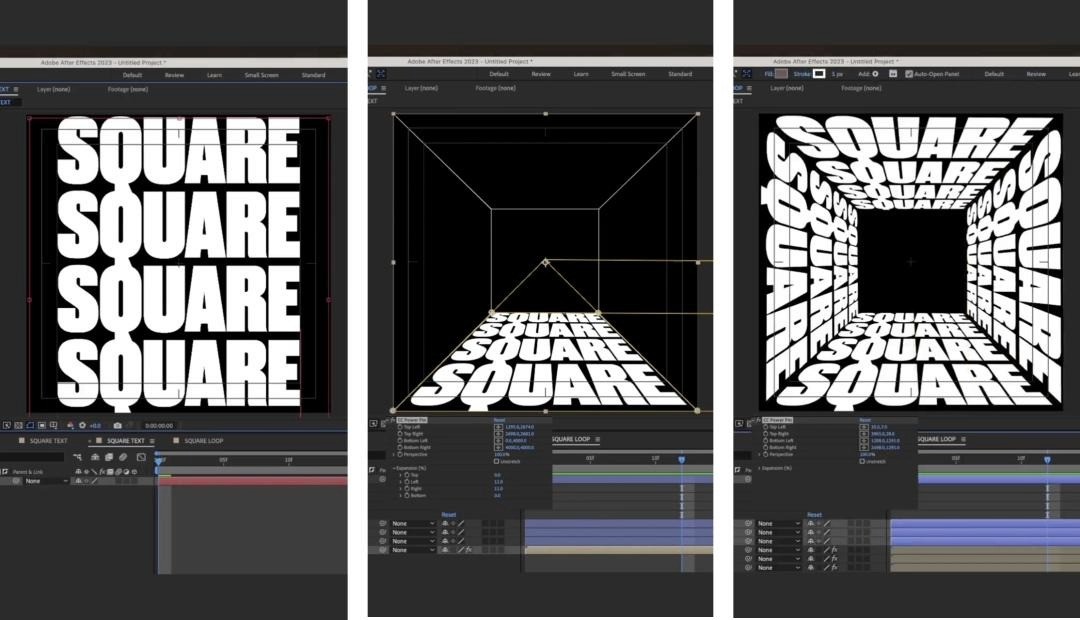
3. Hyper-Personalized and Adaptive Experiences: From One Interface for Everyone to Dynamic Interfaces That Understand Me
Users are no longer satisfied with standardized interfaces. In 2026, UI delivers deep personalization and contextual awareness, extending beyond content recommendations to adapt layout, color, and interaction across the complete experience.
-
Dynamic Brand Systems: Semantic design tokens for color, spacing, and typography allow interfaces to transform personally while remaining consistent with the brand. The interface can feel bright and efficient during the day, soft and eye-friendly at night, minimal during a commute, and richer at home.
-
Emotion-Responsive Interfaces: AI detects a user’s emotional or stress state and adjusts the interface accordingly. During anxiety, it may switch to low-saturation cool colors, simplify animation, and reduce stimulation; in high-performance contexts, it may use brighter colors and a more compact layout.
-
User-Controlled Personalization: Smart automation must be balanced with user agency. Personalization-intensity controls can offer options such as “fully adaptive,” “content recommendations only,” or “fixed classic mode,” reducing privacy concerns and preserving control.
4. Dynamic Typography and Micro-Interaction Storytelling: Activating Words and Using Details to Create Emotional Resonance
In 2026, typography evolves from an information carrier into the leading character of dynamic storytelling, while micro-interactions move from decoration to the soul of the experience. Every detail communicates emotion and brand character.
-
Dynamic Variable Typography: Text changes shape, color, and structure in response to interaction. Headings scale during scrolling, type becomes bolder when buttons are hovered, and key information is animated through CSS and GSAP so that typography itself becomes visual expression.
-
Signature Micro-Interactions: A consistent brand motion language—covering loading rhythm, the force of button feedback, and transition curves for dialogs—creates a distinctive “interaction fingerprint” and strengthens brand memory.
-
Humanized State Design: Error pages, empty states, and loading screens move beyond cold system messages. Warm copy, playful illustrations, and considerate animation guide users through problems and can reduce abandonment on error pages by 14%.
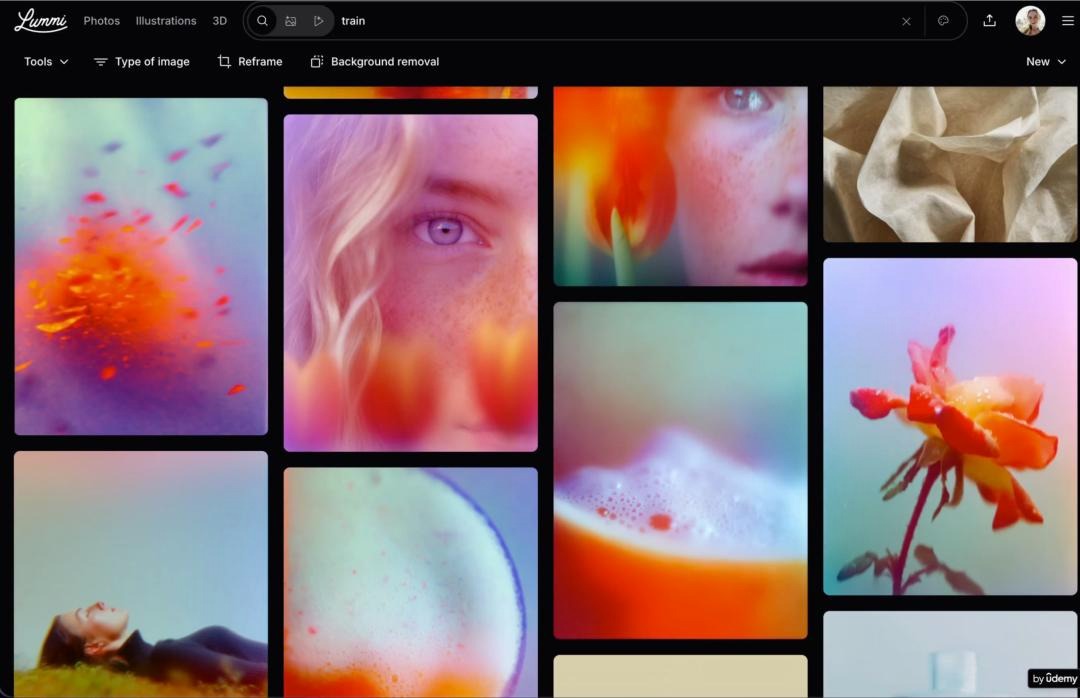
5. Inclusive and Neuro-Friendly Design: Supporting Everyone and Moving from Compliance to Competitive Advantage
Inclusive design moves beyond accessibility compliance and focuses on neurodiversity and comfort across every context, becoming a foundational principle of UI design in 2026.
-
Calm Design: Reduce visual noise, control motion intensity, and optimize color contrast for users with ADHD, autism, or sensory sensitivity through low-saturation palettes, soft transitions, simple typography, and the ability to disable motion.
-
End-to-End Accessibility: Support screen readers, simplified gestures, voice alternatives, high-contrast modes, font scaling, color-blind-safe palettes, and large-text modes for older users to create a genuinely barrier-free experience.
-
Cognitive-Pacing Adaptation: Offer concise TL;DR summaries, step-by-step guidance, and layered information so people with different reading speeds and cognitive capacities can proceed comfortably without information anxiety.
6. Invisible Interfaces and Zero UI: The Best Interface Is No Interface
In 2026, interaction shifts from active operation toward automatic triggering followed by passive confirmation, with screens moving into a supporting role and invisible interfaces becoming standard in premium products.
-
Sensor-Driven Interaction: Proximity sensing, behavioral prediction, and voice commands trigger actions automatically—for example, a phone unlocks when approached, an e-commerce app predicts when an item should be replenished, and smart-home devices coordinate without explicit commands.
-
AI Agents Executing in the Background: Complex tasks are completed by AI behind the scenes and require only user confirmation. Travel can be planned automatically, bills checked intelligently, and content organized in batches, while the interface presents only the result and a confirmation step.
-
Multisensory Feedback Replacing Visual Dependence: Spatial audio, haptic feedback, and vibration patterns supplement visual information. Blind users can perceive interface hierarchy through vibration, while in-vehicle systems use voice and sound instead of visual operation to improve safety and immersion.
7. Warm Aesthetics and Retro Innovation: Moving Beyond Cold Minimalism and Bringing Humanity Back to Design
Minimalism is no longer the only dominant style. UI in 2026 moves toward diverse aesthetics with greater warmth, as tactile qualities, retro innovation, and intentional imperfection become increasingly popular.
-
New Brutalism Combined With Hand-Drawn Expression: Rough edges, handwritten type, irregular geometry, and high-saturation color clashes communicate evidence of the human hand. This breaks away from cold precision and is particularly suitable for youthful and creative products.
-
Future-Past: Pixel aesthetics from the 1980s and 1990s, cyberpunk influences, and modern interaction are combined through retro colors with dynamic effects and nostalgic details with intelligent experiences, satisfying contemporary needs while evoking emotional memories.
-
Mixed-Material Aesthetics: Frosted glass, matte metal, fine textiles, and wood grain are combined with low-saturation neutrals and small areas of vivid accent color, creating a balance between premium refinement and warmth.
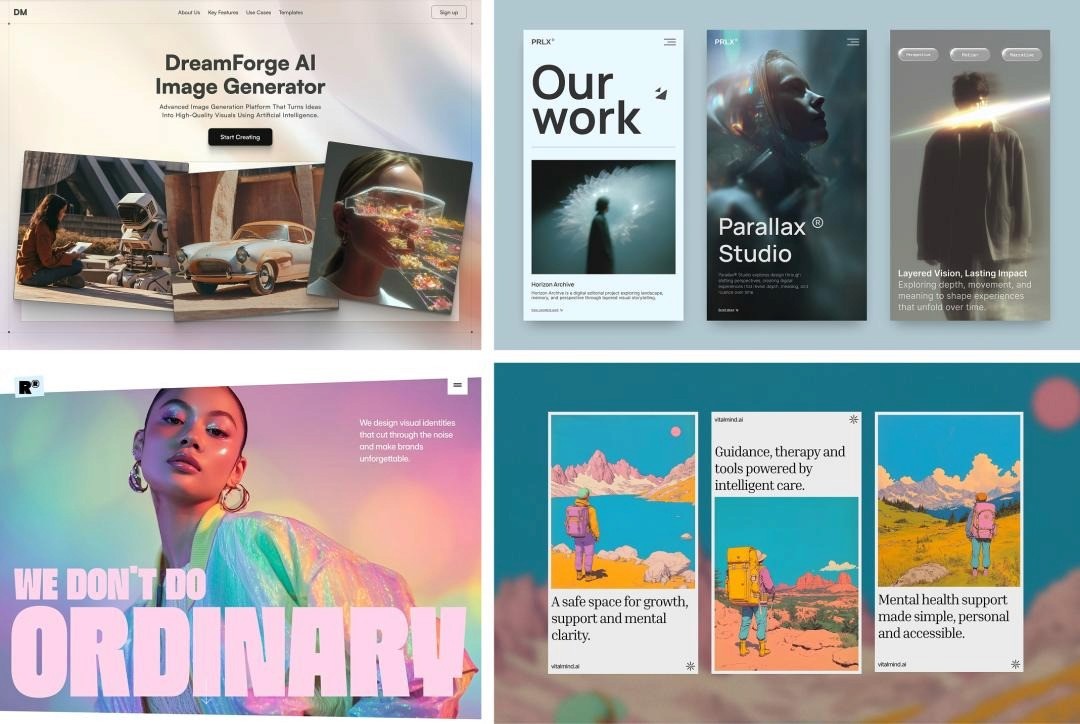
8. Sustainable and Green UX: Design Assumes Social Responsibility as Energy Efficiency and Carbon Reduction Become Mainstream
In 2026, green design moves from concept into practical implementation, becoming an important expression of brand responsibility and user preference.
-
Energy-Efficient Interface Optimization: Dark mode becomes more common by default, unnecessary animation frame rates are reduced, resource loading is streamlined, and high-load visual effects are minimized to decrease device power consumption and carbon emissions.
-
Digital Minimalism and Information Relief: Reduce redundant content, avoid endless scrolling, control notification frequency, and optimize data transfer. These measures save bandwidth while protecting users’ attention.
-
Communicating Environmental Awareness: Interfaces guide sustainable behavior. A mobility app can prioritize public transportation, an e-commerce platform can recommend simpler packaging, and product pages can display carbon-footprint information, using design to support more sustainable lifestyles.
9. Performance-First Design: Speed Is Experience, and Core Web Vitals Become a Baseline Requirement
Users’ tolerance for slow loading continues to decline. In 2026, UI design treats performance and visual quality as equally important, making sub-second experiences a standard expectation.
-
The One-Second Interaction Benchmark: On a 4G network, the first screen should become interactive within one second. Reduce JavaScript volume, prioritize server components and static HTML rendering, and prevent user loss caused by waiting.
-
Lightweight Visual Design: Use WebP images, replace bitmaps with vector icons, simplify gradients and shadows, and avoid complex filters to balance visual quality with loading speed.
-
Extreme Responsive Optimization: From small phones and foldable screens to large VR displays, interfaces adapt across every device through dynamically reorganized layouts and comprehensive endpoint support.
10. Redefining the Designer’s Role: From Visual Maker to Experience Strategist
Behind these trends, designers’ capabilities undergo a comprehensive upgrade in 2026, and the role changes fundamentally:
-
AI Collaboration: Master AI design tools, prompt engineering, and generative-UI logic, becoming a strategic partner to AI rather than a passive operator.
-
Spatial Design: Learn 3D modeling, AR/VR interaction, and spatial composition to move beyond the limits of two-dimensional design.
-
Full-Stack Thinking: Understand frontend fundamentals, data logic, and user research so design, development, and experience can operate as one connected process.
-
Human-Centered Care: Develop expertise in inclusive, emotional, and sustainable design, using technology to communicate warmth and meaningful values.
Conclusion: In 2026, Design Returns to the Human Core
Every UI design trend in 2026 ultimately points toward three fundamental shifts: from static to dynamic through AI generation; from screens to space through immersive integration of physical and virtual environments; and from appearance to empathy through human values and responsibility.
For designers, this is both a challenge and an opportunity. Those who move beyond visual composition, embrace AI and technology, and deepen their understanding of users and emotion will be best positioned for change. For products and brands, adopting relevant trends early and aligning them with genuine user needs will create digital experiences that are competitive, responsible, and human.
In 2026, UI design is no longer merely an attractive interface. It is an intelligent experience that understands users, communicates emotion, evolves over time, and acts responsibly.
FAQ for Long-Tail SEO
1. What are the most important UI design trends for 2026?
Answer: The four leading directions are AI-native UI, spatial 3D materiality, hyper-personalized adaptation, and inclusive neuro-friendly design.
2. Will flat design disappear in 2026?
Answer: No. It will evolve into spatial minimalism, while purely flat interfaces without depth or hierarchy will gradually feel outdated.
3. How should designers respond to changing UI trends in 2026?
Answer: Learn AI design tools, develop 3D and spatial-interaction capabilities, strengthen inclusive and emotional design skills, and evolve into a strategically focused designer.