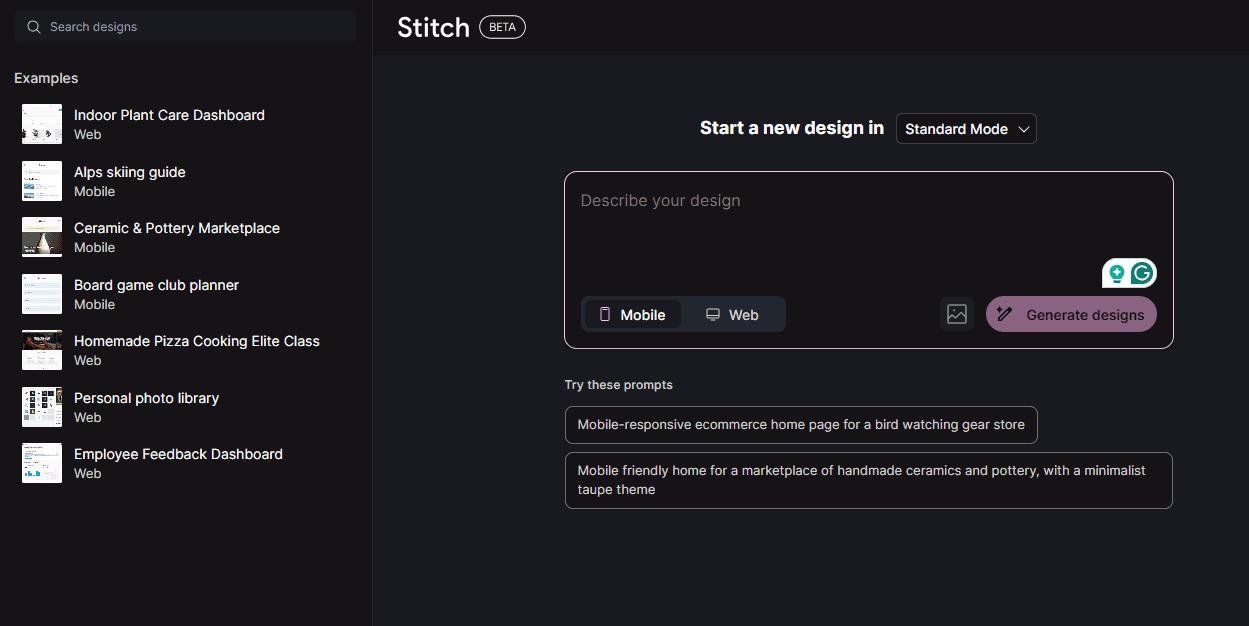
Google I/O 2025 was remarkable. During the conference, Google introduced Stitch, an AI-powered UX/UI design tool.
What Is Stitch?
Stitch is a platform capable of creating user interfaces from simple prompts or images. It arrived as vibe coding was becoming increasingly popular.
What Is Vibe Coding?
It is a development process in which an AI model generates code from simple prompts. Is Stitch the only AI-powered application-design tool on the market? Certainly not. Cognition, Windsurf, and Codex are also highly popular.
Microsoft even introduced GitHub Copilot coding assistance during the Build 2025 opening keynote.
So, what is the conclusion? Artificial intelligence is becoming a dominant force in the UX/UI design market.
Want to explore further? Let us begin.
Is AI a Friend or an Enemy to Designers?
Do you remember Skynet or the Titans from science-fiction films? We are not suggesting that AI will become something similar. It will, however, unquestionably change the design industry.
Does that mean AI threatens designers? The answer is not simple. We can examine the issue from two perspectives.
Is AI a Friend?
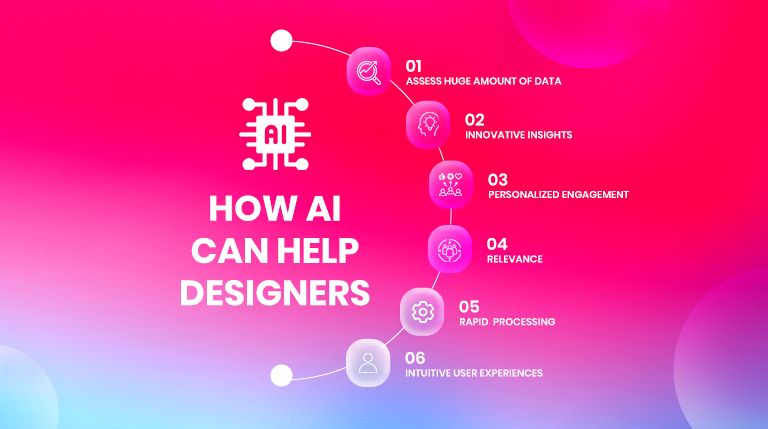
AI systems can help designers understand their audiences more effectively, enabling them to create digital products that deepen the connection between businesses and target users.
How? Designers can quickly collect and evaluate large volumes of audience data, helping them create products that resonate with users.
In addition to this important benefit, AI also provides:
-
Innovative insights
-
Personalized interactions
-
Relevance
-
Rapid processing
-
Intuitive user experiences
Is AI an Enemy?
Some industry experts believe AI will replace design jobs. Yet there is another way to view the issue: AI is not your enemy.
Do you believe AI is creative enough to resonate with users? Can it understand human context and produce content that creates an emotional response? The answer is no—at least it cannot do so reliably in the near term.
AI can certainly automate repetitive tasks, but it cannot reproduce human creativity and empathy. The claim that AI can simply replace designers therefore lacks practical grounding.
Instead of worrying that AI will replace you, focus on how to use it to create exceptional design.
Most designers already use AI within their UI/UX workflows. Tools such as Adobe Firefly, Illustrator, and Photoshop have significantly simplified tasks including image editing, color adjustment, and generation. For this reason, the AI market is expected to contribute approximately 21% net growth to US GDP by 2030, with the design market playing an important role.
This brings us to today’s question: How can AI and machine learning be used within the UI/UX design process? Let us examine it.
How Can AI and Machine Learning Support the UI/UX Design Process?
AI-powered UX/UI design can strengthen relationships between users and brands. It incorporates machine-learning-driven strategies intended to improve the user experience. Although designers remain cautious about this approach, they recognize its enormous potential.
How exactly can AI and machine learning support UI/UX design? We will explore the answer.
The Role of AI in Exceptional UX Design
Did you know that approximately 62% of designers believe AI helps the design process? You have probably considered the question as well.
AI can improve user experience by providing intuitive and automated responses to user interactions. It can also generate multiple design variations almost instantly, helping designers refine the experience.
In addition, AI algorithms can simplify UX work by evaluating user patterns and behavior.
Integrating AI into intelligent interface design can simplify interaction and improve the user experience. It reduces frustration and helps users find the information they need more easily.
The Role of Machine Learning in Creating Intelligent AI-Powered UX/UI Design
Can you imagine a design process in which you can understand your audience without manually evaluating enormous datasets one item at a time?
Although evaluating user behavior remains one of the most important steps in personalization, it is also one of the most time-consuming. Machine-learning algorithms can complete this analysis quickly and even identify real-time patterns that are difficult for people to detect.
An AI-powered UX/UI design process can therefore help designers create interfaces that precisely address user needs.
Five Ways to Improve UX Design with AI-Powered UX/UI Design
Now that we understand the roles of AI and machine learning in AI-powered UX/UI workflows, let us examine five ways they can improve user experience.
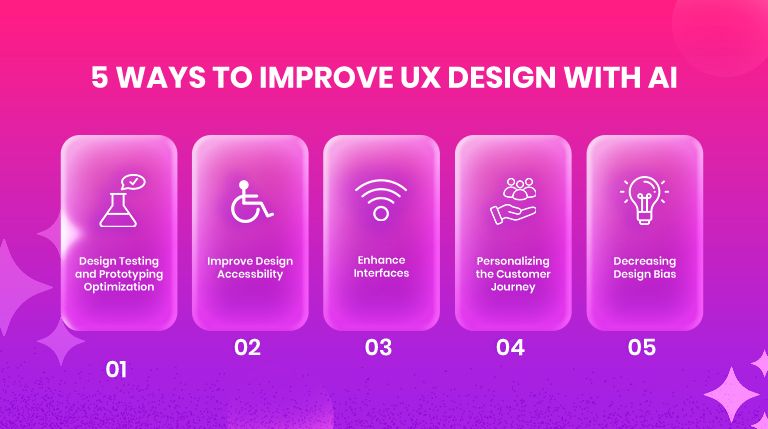
Optimize Design Testing and Prototyping
We have already discussed how AI and machine learning support user research. Although behavioral research is foundational to an effective UX/UI process, design testing and prototyping are equally important.
AI is transforming prototyping and testing through advanced simulations of user interaction. This allows prototypes and tests to reflect real user preferences and behavior more accurately.
Improve Design Accessibility
One of the easiest aspects to overlook when designing an interface is accessibility for people with disabilities. Not convinced? One study identified 50,960,288 accessibility errors across one million homepages—an average of 51 errors per page.
You can improve product usability by integrating AI. Adding features such as voice commands, adjustable text sizes, image alternative text, and color adjustments to an AI-powered UX/UI design demonstrates professional responsibility and empathy while helping users feel understood and valued.
Personalize the Customer Journey
Customization and responsive design are essential. Adaptive interfaces and carefully curated content delivery are important for both attracting prospects and retaining existing customers. This is especially useful when designing a digital product for a broad audience.
AI-powered UX/UI tools can improve this process by helping designers identify and map customized customer journeys more easily. Personalized journeys can increase engagement and revenue.
Reduce Design Bias
Design bias can appear at any time, and designers may not even recognize it. Yet it can affect a product’s usability and appeal and may reinforce stereotypes.
For example, you may unintentionally create a product that appeals only to one specific audience and excludes others. The result is a product that is highly attractive to one group but effectively useless to another.
AI-powered UX/UI systems can identify these tendencies precisely. They can detect biased patterns in choices and interactions, allowing designers to address the problems and create balanced, inclusive digital products.
Enhance Interfaces
User experience depends heavily on the interface design of a digital product. An interface must be both functional and attractive so it can continue to satisfy users and make a strong impression.
AI tools can create interfaces from insights within user data, helping designers work more efficiently. This allows designers like you to produce smooth and engaging interfaces.
This form of AI-powered interface design can remain aligned with the brand identity while delivering an exceptional AI-enhanced user experience.
Modern UX/UI Trends to Watch in AI-Powered Design
AI-powered UX/UI design is transforming the design industry, making it essential to keep up with the latest trends.
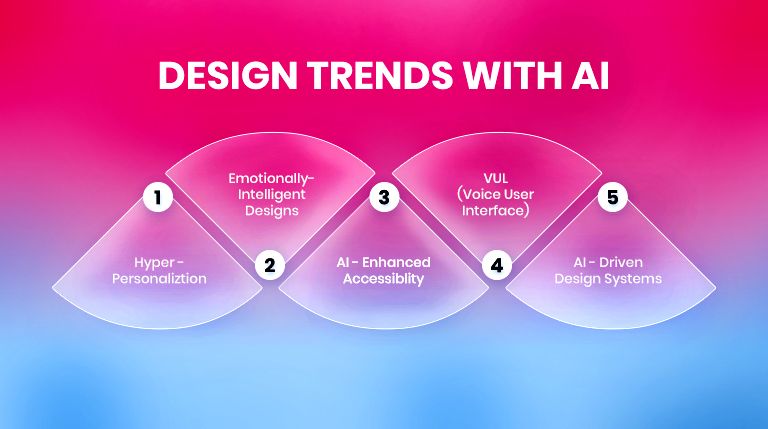
As a designer, continually learning about technological developments helps you create outstanding user experiences. Examples include:
-
Hyper-Personalization:AI evaluates individual preferences and behavior and creates interfaces that change in real time according to user needs. The result is a more personalized and engaging experience that meets—and may exceed—expectations.
-
Emotionally Intelligent Design:As AI advances, AI-powered UX/UI design that responds to user emotions is becoming more common. AI can detect sentiment, predict interaction behavior, and adjust in real time, producing an intuitive and responsive experience.
-
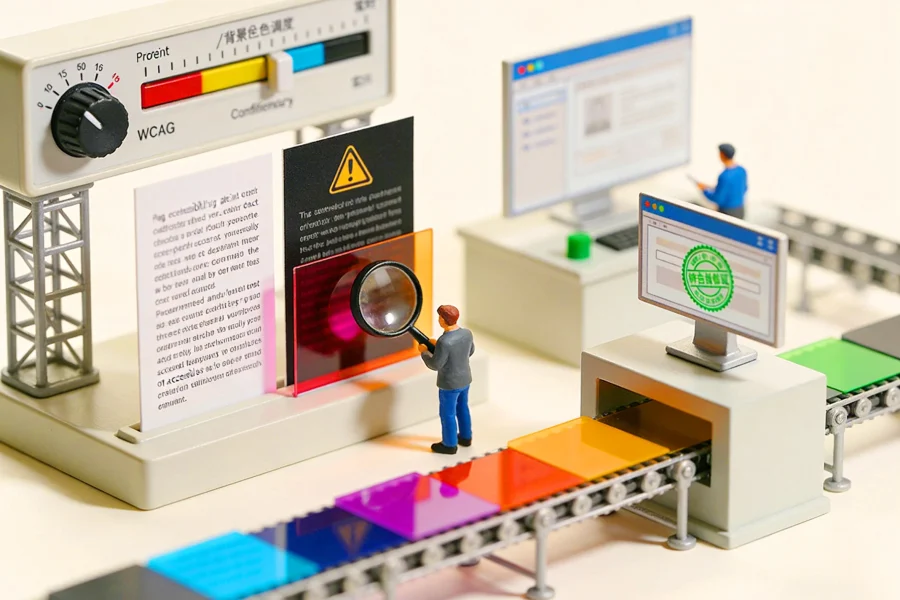
AI-Enhanced Accessible Design:There is little doubt that AI can help create more accessible designs because it can identify errors and biases that are difficult for people to notice. Improvements may include stronger contrast, better readability, and alternative navigation methods.
-
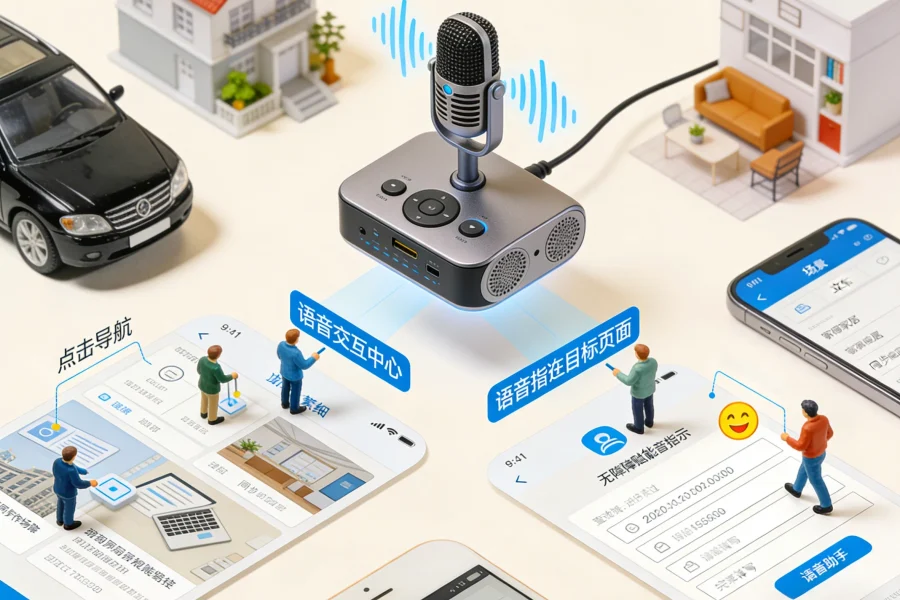
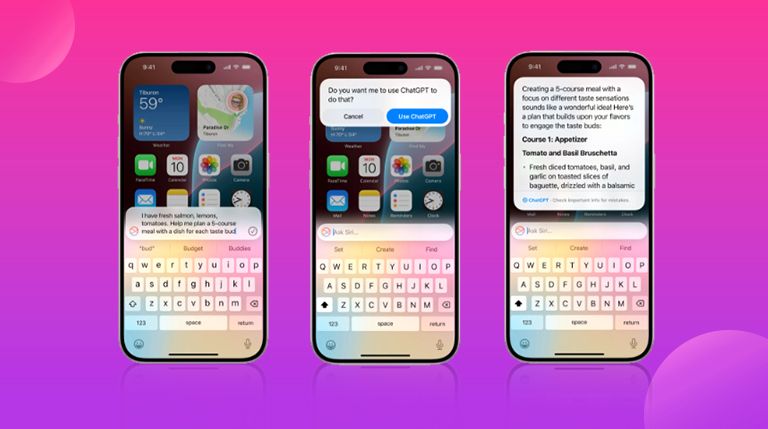
Voice User Interfaces (VUI): VUI is not a new concept. Integrating artificial intelligence into VUI, however, is a breakthrough design trend. It enables more effective communication while improving accessibility and navigation, significantly strengthening UX. Apple’s integration of Siri with OpenAI is a useful example.
-
AI-Powered Design Systems:Design systemsare tools for accelerating the design process. AI-powered design systems can improve scalability and consistency across platforms. They also allow design and development teams to collaborate smoothly and preserve consistency in the final product.
Which Tools Should You Use?
The most common question remains: Which tools should be used in an AI-powered UX/UI design process?
Below are several popular AI tools that can improve a UI/UX workflow.
-
Uizard: This tool uses machine learning to transform rough sketches into functional prototypes based on user patterns and trends.
-
Fronty: An AI tool that generates CSS and HTML code from images, allowing static mockups to become interactive websites.
-
AccessiBe: This tool helps optimize designs for screen readers and improve navigation, supporting an inclusive and fluid user experience.
-
Khroma: It creates color schemes that improve readability, helping digital products remain usable for people with visual impairments.
-
Pendo AI: Its machine-learning algorithms can tailor support and onboarding guidance to the right users.
-
Dynamic Yield: This AI tool rearranges menu items, buttons, and grids according to user preferences to provide personalized layouts.
-
Fairness Indicators: Google’s AI tool analyzes machine-learning algorithms for design bias.
-
Acrolinx: An AI-powered content-checking tool that identifies bias in design, language, or content.
-
Adobe Sensei: It allows designers to choose from large libraries of typefaces, icons, and logos selected through AI predictions to align well with brand guidelines.
-
Colormind: This AI tool analyzes user patterns and data to select palettes that resonate with the target audience and improve engagement.
-
Figma Make: Figma Make is a prompt-to-app tool that lets you build interactive prototypes and applications simply by describing what you want in natural language.
AI Is a Friend, Not an Enemy: A New Era of Exceptional Design
Nothing is perfect, and AI is no exception. Yet a mature AI-powered UX/UI process can help you design highly functional products with smooth user experiences.
Why? Because AI not only improves the experience, but also reduces the distance between designers and their audiences. Designers can adjust work in real time and develop digital products capable of anticipating future user needs.
Are you still debating whether AI is a friend or an enemy to designers? It can be your strongest ally—provided you know how to use it.